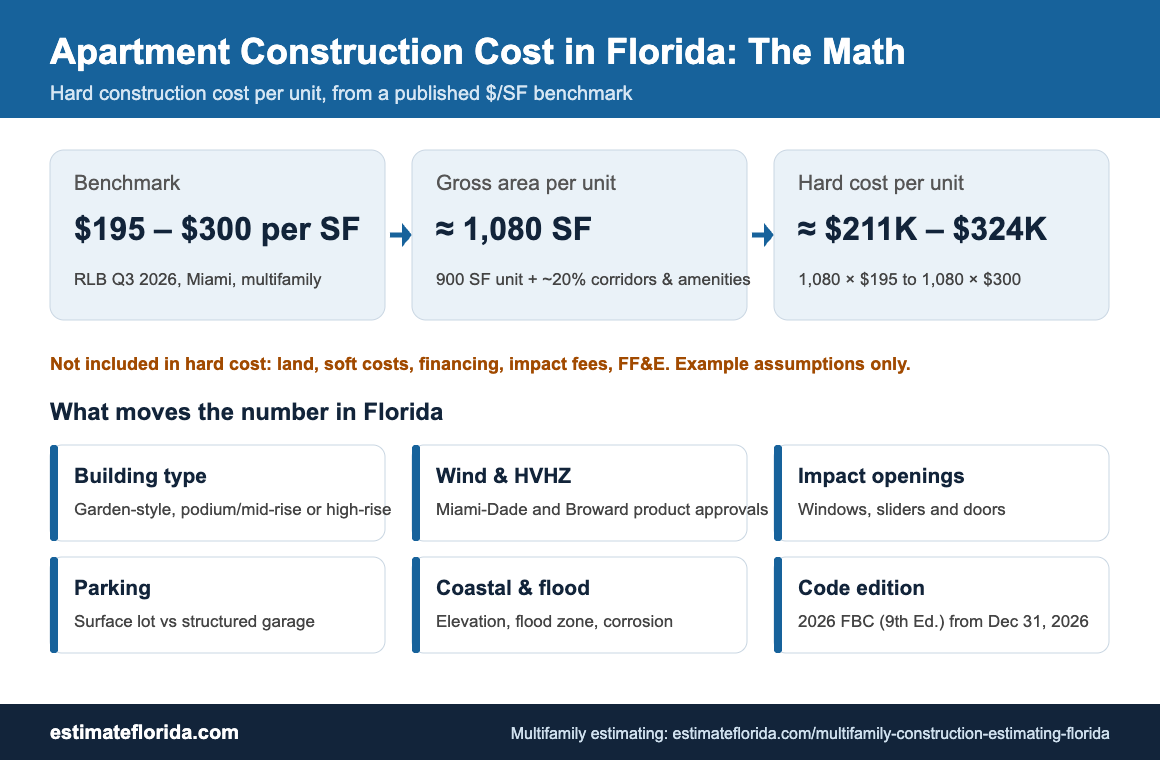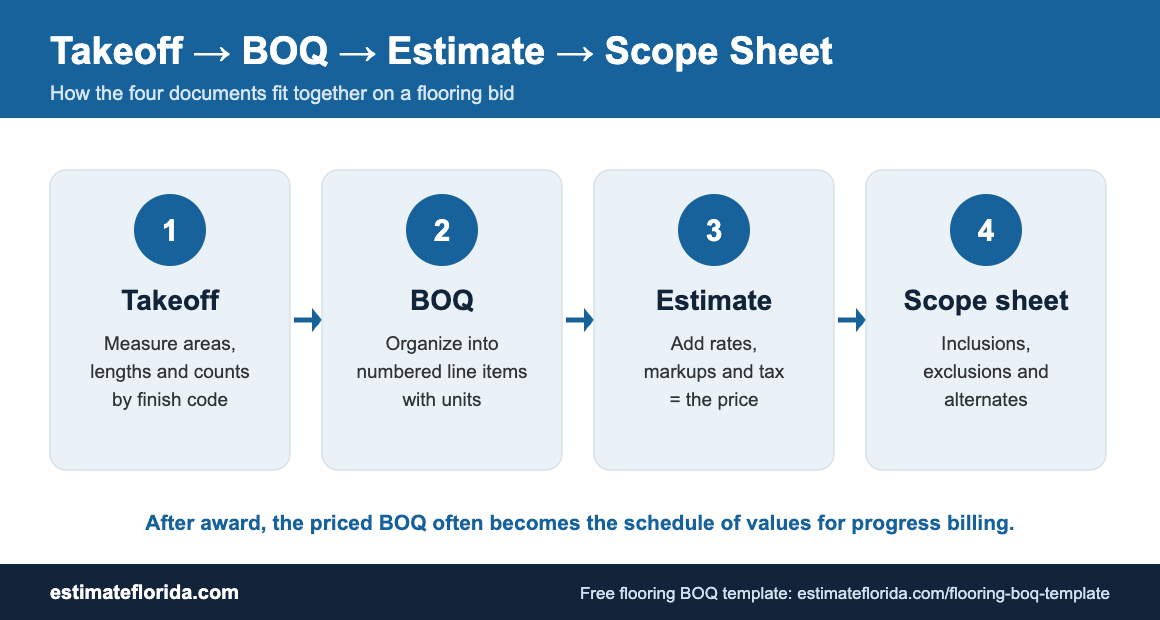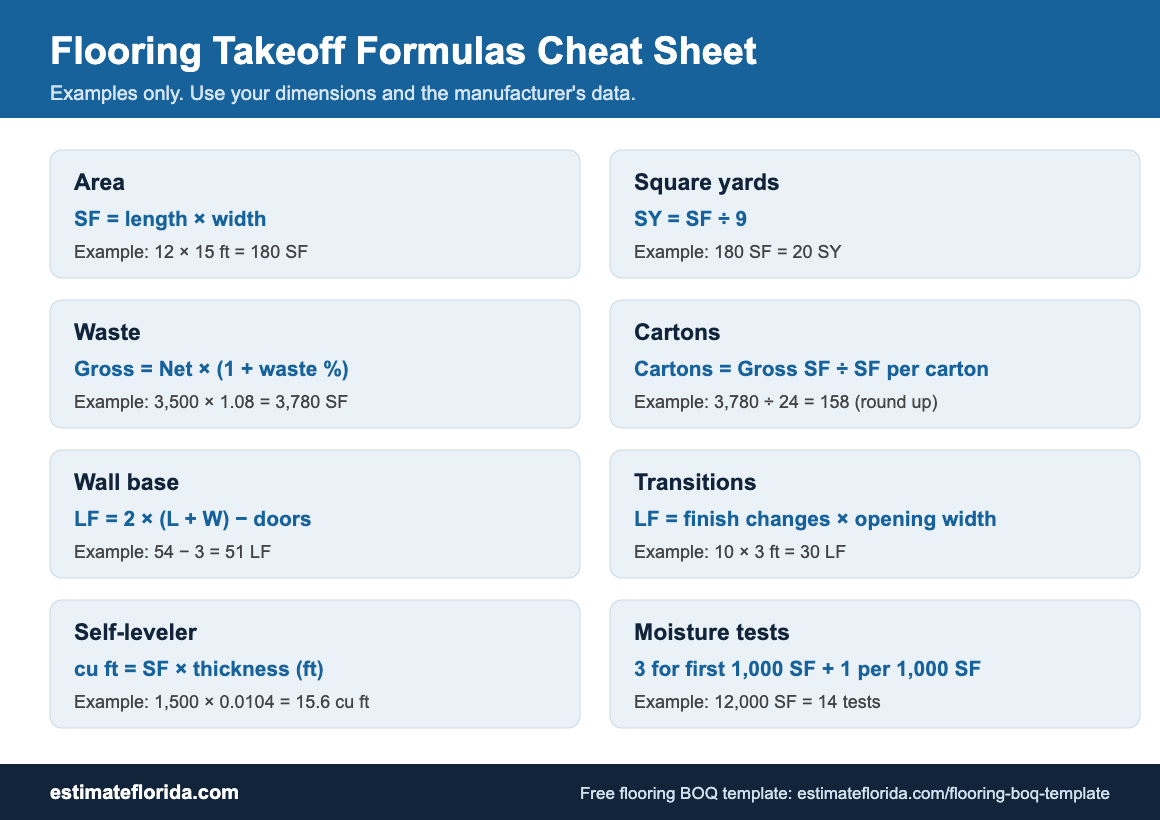
Commercial plumbing estimating software in Florida helps contractors measure quantities, count fixtures, organize piping systems, apply labor and material pricing, prepare bids, and manage drawing revisions. For commercial work, the value of an estimating system is not simply producing a total price. It is organizing a large amount of information so estimators can review scope, compare options, document assumptions, and communicate quantities to project managers and clients.
Florida commercial projects may include office buildings, retail centers, hotels, multifamily developments, healthcare facilities, restaurants, schools, warehouses, industrial buildings, tenant improvements, and renovations. These projects often require coordination among plumbing, mechanical, architectural, structural, electrical, civil, and fire protection teams.
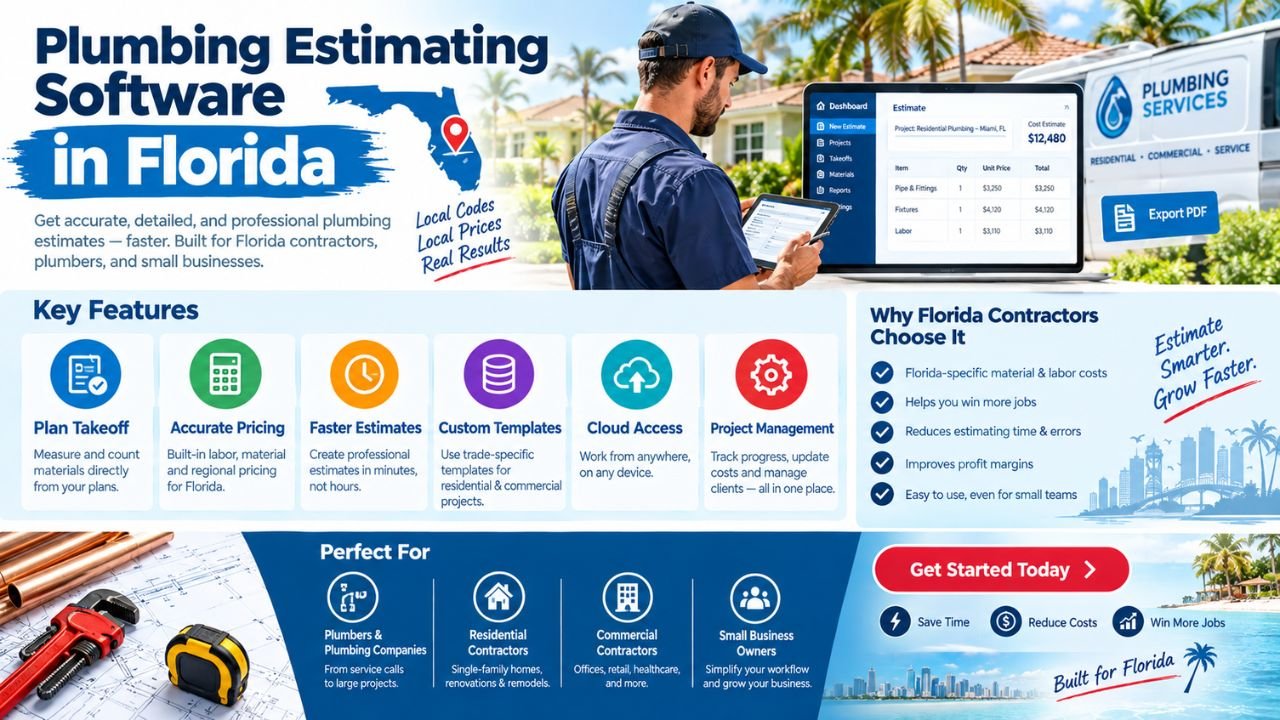
The right system depends on project size, estimating volume, trade scope, BIM or CAD availability, company workflow, budget, estimator experience, and required integrations. A small commercial contractor may use a structured spreadsheet and PDF workflow, while a larger contractor may need multi-user takeoff software with revision tracking, assemblies, pricing libraries, and reporting.
Estimate Florida can help you develop customized commercial plumbing estimating software for your business. To discuss your requirements, email us at info@estimateflorida.com.
What Is Commercial Plumbing Estimating Software?
Commercial plumbing estimating software is a digital system that helps contractors convert project drawings, specifications, schedules, site information, and supplier pricing into organized quantities and bid costs.
A commercial plumbing estimate may include:
-
Domestic water piping.
-
Hot-water distribution and recirculation.
-
Sanitary drainage and venting.
-
Storm drainage.
-
Natural gas or fuel gas.
-
Fixtures and trim.
-
Pumps and tanks.
-
Water heaters and boilers.
-
Backflow preventers.
-
Equipment connections.
-
Kitchen equipment connections.
-
Supports and hangers.
-
Sleeves and penetrations.
-
Insulation.
-
Underground utilities.
-
Testing, commissioning, and startup.
-
Freight and delivery.
-
Temporary services.
-
Demolition and restoration.
The software may convert takeoff quantities into:
-
Material lists.
-
Labor estimates.
-
Bid summaries.
-
Schedules of values.
-
Alternates.
-
Unit-price schedules.
-
Change-order estimates.
-
Purchasing lists.
-
Excel exports.
-
PDF proposals.
-
Cost reports.
A commercial plumbing takeoff identifies what is shown or reasonably required by the project documents. The estimate then applies unit costs, labor assemblies, productivity assumptions, waste factors, overhead, markup, and project-specific exclusions.
Software supports estimating and review. It does not replace a qualified estimator, engineer, contractor, inspector, or code official. Final scope, pricing, compliance decisions, and bid approvals require qualified human oversight.
Why Florida Commercial Projects Need Specialized Estimating Tools
Florida commercial construction has conditions that can materially affect plumbing quantities, installation methods, labor, equipment, and pricing.
Important considerations include:
-
Hurricane and wind-related design requirements.
-
Flood zones and elevated equipment.
-
Stormwater and roof drainage.
-
Coastal salt-air corrosion.
-
High humidity and moisture exposure.
-
Regional labor and material pricing.
-
Large multifamily and high-rise plumbing systems.
-
Renovation work in occupied buildings.
-
Long-lead plumbing equipment and fixtures.
-
Local plan review and permit-related scope.
-
Coordination with structural, architectural, electrical, HVAC, and fire protection systems.
Flood zones and elevated equipment
A commercial project in a flood-prone location may require special attention to equipment locations, site drainage, underground services, elevations, access, and protection of building systems. Estimators can review the official FEMA Flood Maps when flood-related conditions are relevant. FEMA’s Flood Map Service Center provides official flood hazard mapping information.fema+1
Code and project review
The Florida Building Code can help project teams locate official construction information. However, estimating software should not be treated as a code-compliance tool. It can record plan notes and review items, but it does not replace code analysis, engineering judgment, or responsible professional oversight.
Contractors can also consult the Florida Department of Business and Professional Regulation for applicable professional and business information. Software may organize documentation, but it does not provide licensing or legal advice.
Local requirements may vary. For example, Miami-Dade County publishes information about permits and plumbing-related work through its Building Department. A contractor should verify project-specific requirements with the relevant authority rather than relying on estimating software to determine them.miamidade+1
Core Features of Commercial Plumbing Estimating Software
Commercial estimating requires more organization than simply measuring pipe and multiplying by a unit price.
A useful system should allow an estimator to move from a final number back to the drawing sheet, measured quantity, assembly, labor assumption, supplier quote, or project note that supports it.
Commercial Plumbing Systems the Software Should Estimate
Commercial plumbing construction estimating software should organize the estimate by system, building, floor, phase, and sometimes area or tenant.
Domestic cold-water supply
This may include:
-
Site water service.
-
Building entry.
-
Water meters.
-
Backflow preventers.
-
Main distribution.
-
Vertical risers.
-
Branch piping.
-
Shutoff valves.
-
Pressure-reducing valves.
-
Connections to fixtures and equipment.
Domestic hot-water supply and return
The estimate may include:
-
Water heaters.
-
Boilers.
-
Storage tanks.
-
Recirculation pumps.
-
Hot-water supply piping.
-
Return piping.
-
Mixing valves.
-
Controls.
-
Expansion tanks.
-
Insulation.
-
Equipment connections.
Sanitary waste and vent
This system may include:
-
Building drains.
-
Branch drains.
-
Soil and waste stacks.
-
Vent stacks.
-
Cleanouts.
-
Floor drains.
-
Trench drains.
-
Ejectors.
-
Underground sanitary piping.
-
Sewer connections.
Storm drainage
Commercial storm scope may include:
-
Roof drains.
-
Overflow drains.
-
Leaders.
-
Area drains.
-
Courtyard drainage.
-
Underground storm piping.
-
Catch basins.
-
Connections to site systems.
Gas piping
Where included, the estimate may cover:
-
Fuel-gas mains.
-
Branch piping.
-
Regulators.
-
Valves.
-
Appliance connections.
-
Supports.
-
Sleeves.
-
Testing.
Specialty systems and equipment
Depending on the project, the system may also organize:
-
Medical gas, where applicable.
-
Fire protection coordination.
-
Pumps and tanks.
-
Pressure-boosting systems.
-
Water treatment.
-
Commercial kitchen equipment.
-
Grease interceptors.
-
Oil or sand separators.
-
Sump and sewage ejector systems.
Fixtures and accessories
Commercial projects may require detailed counts for:
-
Water closets.
-
Urinals.
-
Lavatories.
-
Sinks.
-
Showers.
-
Service sinks.
-
Mop basins.
-
Drinking fountains.
-
Emergency fixtures.
-
Floor drains.
-
Roof drains.
-
Commercial faucets.
-
Kitchen fixtures.
-
Laundry equipment connections.
Separating the estimate by system, floor, building, and phase makes review and pricing easier. It also helps prepare schedules of values and identify scope gaps.
Commercial Plumbing Takeoff from PDF, CAD, and BIM Drawings
A typical commercial plumbing takeoff workflow may include:
-
Upload or import drawings and specifications.
-
Confirm scale, file version, and project location.
-
Identify plumbing plans, risers, schedules, details, and specifications.
-
Review architectural, structural, civil, mechanical, and fire protection coordination.
-
Count fixtures and equipment.
-
Measure pipe runs by system, size, material, and floor.
-
Add fittings, valves, supports, sleeves, insulation, and accessories.
-
Review riser diagrams and details.
-
Apply labor assemblies and installation assumptions.
-
Add equipment, freight, testing, startup, and subcontractor costs.
-
Export the takeoff and estimate.
-
Review assumptions, exclusions, alternates, and clarifications.
PDF plan review
PDF drawings may contain incomplete details, conflicting information, unclear symbols, or outdated sheets. Estimators should review:
-
Plumbing plans.
-
Riser diagrams.
-
Isometrics.
-
Fixture schedules.
-
Equipment schedules.
-
Enlarged plans.
-
Architectural reflected ceiling plans.
-
Structural penetrations.
-
Civil utility plans.
-
Mechanical coordination drawings.
-
Specifications.
-
Addenda.
CAD and BIM takeoff
CAD or BIM takeoff may provide more structured information when models are complete and properly organized. However, the presence of a model does not guarantee that all estimating information is included. The estimator should verify model content against drawings and specifications.
Commercial drawing sets can change rapidly. The system should record:
-
Drawing date.
-
Revision number.
-
Addendum number.
-
Estimator.
-
Review status.
-
Assumptions.
-
Unresolved questions.
Software for Different Commercial Project Types
Different commercial projects require different estimating features.
The best estimating workflow for a hotel may not be appropriate for a restaurant renovation. Software should allow templates and assemblies to reflect those differences.
AI-Assisted Commercial Plumbing Estimating
AI-assisted features may support repetitive portions of commercial estimating.
Potential uses include:
-
Faster fixture counting.
-
Recognition of standard plan symbols.
-
Automated pipe measurement.
-
Identification of repeated floors or unit layouts.
-
Drawing search.
-
Draft material lists.
-
Suggested assemblies.
-
Automated estimate formatting.
-
Specification search.
-
Revision comparison.
-
Potential clash or omission flags.
These features may help prioritize review and prepare a draft estimate. They do not remove the need to interpret the project documents.
Limitations may include:
-
Poor-quality scans.
-
Unclear or inconsistent symbols.
-
Missing dimensions.
-
Incorrect scale.
-
Overlapping lines.
-
Unusual equipment.
-
Conflicting specifications.
-
Design revisions.
-
Hidden site conditions.
-
Complex riser diagrams.
-
Incomplete or outdated BIM models.
AI output should be reviewed by a qualified commercial estimator or plumbing professional before pricing or bidding. A practical workflow is to use automated tools for a preliminary takeoff, then verify quantities against drawings, specifications, equipment schedules, and addenda.
Commercial Plumbing Estimating Software vs Excel
Excel remains useful for cost summaries, custom calculations, bid forms, price lists, and owner-specific formats. Dedicated software may be more helpful for large projects, repeated estimates, multiple users, and detailed plan-based takeoffs.
Many contractors use both. Dedicated software can manage takeoff quantities and core pricing, while Excel handles custom client formats, analysis, and final management summaries.
How Software Improves Commercial Plumbing Bids
Commercial plumbing bid software can support a consistent process by helping contractors:
-
Standardize labor and material assemblies.
-
Reduce missed fixtures and equipment.
-
Separate systems and floors.
-
Apply consistent labor rates.
-
Track pipe sizes and materials.
-
Compare design options.
-
Prepare alternates.
-
Handle addenda.
-
Track design revisions.
-
Support value engineering.
-
Prepare bid clarifications.
-
Create schedules of values.
-
Compare estimated costs with actual costs.
-
Improve communication between estimators, project managers, and field teams.
-
Preserve assumptions and exclusions.
-
Document supplier quotes and special conditions.
Software does not guarantee that a contractor will eliminate errors, increase revenue, or win every bid. It improves organization when the company maintains its price data, configures assemblies properly, trains users, and performs qualified review.
For example, a value-engineering comparison may show the estimated difference between two fixture packages or piping approaches. The software can organize the numbers, but the project team must evaluate performance, specifications, design intent, and suitability.
How Estimate Florida Can Develop Customized Software
Estimate Florida can help develop customized commercial plumbing estimating software around the company’s project types and estimating methods.
A practical process may include:
-
Requirements discovery. Document the company’s commercial markets, users, estimating volume, and reporting requirements.
-
Current-method review. Examine spreadsheets, marked-up drawings, bid forms, price lists, assemblies, supplier quotes, and proposal templates.
-
Project and system identification. Define how office buildings, hotels, apartments, healthcare, restaurants, warehouses, and renovations will be estimated.
-
Assembly and pricing definition. Identify labor assemblies, productivity rates, material prices, waste factors, markup, and regional adjustments.
-
Input-format selection. Decide whether the system will use PDF, CAD, BIM, manual entry, spreadsheet imports, or a combination.
-
Takeoff-screen design. Plan measurement tools, fixture counts, system filters, riser review, notes, and revision controls.
-
Bid-module development. Create alternates, unit prices, clarifications, exclusions, addenda, and change-order workflows.
-
Output development. Produce Excel exports, PDF bid reports, schedules of values, cost summaries, and management dashboards.
-
Testing with realistic projects. Use sample commercial projects such as a restaurant, apartment building, hotel floor, office fit-out, or warehouse.
-
User training. Teach estimators and project staff how to use the system consistently.
-
Launch and improvement. Introduce the software in phases and improve it based on actual user feedback.
Possible custom features include:
-
Company-specific commercial assemblies.
-
Florida regional pricing.
-
Multi-floor and multi-building support.
-
Multifamily unit repetition.
-
High-rise riser workflows.
-
Medical or specialty system modules.
-
Restaurant and kitchen equipment connections.
-
Warehouse and industrial templates.
-
Labor productivity libraries.
-
Supplier price lists.
-
Excel and PDF exports.
-
Bid-leveling reports.
-
Change-order modules.
-
Customer or GC portals.
-
Accounting and project-management integrations.
-
Revision tracking.
-
Estimating dashboards.
Estimate Florida can help you develop customized commercial plumbing estimating software for your business. To discuss your requirements, email us at info@estimateflorida.com.
Important Data and Pricing Inputs
Commercial estimate quality depends on the assumptions and information behind the software.
Important inputs include:
-
Current material prices.
-
Labor rates.
-
Labor productivity.
-
Pipe and fitting specifications.
-
Fixture and equipment selections.
-
Supplier quotes.
-
Freight and delivery.
-
Long-lead equipment.
-
Regional labor availability.
-
Waste factors.
-
Subcontractor pricing.
-
Testing and commissioning.
-
Temporary services.
-
Permit-related scope.
-
Project schedule.
-
Overtime or phasing requirements.
-
Occupied-building restrictions.
-
Site access.
-
Restoration requirements.
-
Coordination responsibilities.
A commercial project may require pricing for equipment that has a long lead time or unusually high freight cost. A renovation may require temporary shutdowns, nighttime work, protection, demolition, and restoration.
The system should make these factors visible through assumptions, notes, assemblies, and separate cost categories.
Security, Data Ownership, and Integrations
Commercial contractors should understand how estimates, drawings, pricing, supplier information, and customer data are managed.
Important questions include:
-
Who owns the estimate data?
-
Can the company export its data?
-
Are user roles available?
-
Is there an audit history?
-
Are files backed up?
-
Can the system integrate with accounting software?
-
Can it export to Excel and PDF?
-
Can it connect with CRM, ERP, or project-management tools?
-
Is two-factor authentication available?
-
How are former employees removed?
-
Can historical estimates be searched and reused?
-
Can supplier and labor-rate libraries be controlled?
-
Can pricing changes be tracked?
-
Can project documents be archived?
Security features vary by system. Contractors should review technical documentation and obtain professional advice when the business has specific information-security requirements.
Potential integrations include:
-
Accounting systems.
-
Enterprise resource planning.
-
Project-management platforms.
-
Document storage.
-
Customer relationship management.
-
Time tracking.
-
Purchasing systems.
-
Supplier price databases.
-
Proposal tools.
-
Email and notification services.
Integrations should support a clear workflow. Connecting too many systems without a defined purpose can create unnecessary cost and complexity.
Cost of Commercial Plumbing Estimating Software
Commercial plumbing estimating software may be offered through different pricing models:
-
Free or limited tools.
-
Monthly subscriptions.
-
Per-user pricing.
-
Per-project pricing.
-
Enterprise licensing.
-
Custom software development.
-
Setup and configuration.
-
Data migration.
-
Training.
-
Support and maintenance.
-
Integrations and upgrades.
Use $ pricing when comparing options, but do not judge total cost by subscription price alone. Additional expenses may include setup, training, paid users, integrations, storage, support, and custom reports.
Custom software pricing depends on:
-
Number of users.
-
Number of modules.
-
PDF, CAD, or BIM requirements.
-
Pricing-library complexity.
-
Takeoff features.
-
Reporting requirements.
-
Change-order functionality.
-
Integrations.
-
Hosting and data-management choices.
-
Testing and training.
-
Ongoing support.
Estimate Florida does not provide a fixed custom software price without reviewing the project scope. A phased approach may begin with PDF takeoff, fixture counts, pipe measurement, assemblies, estimates, and Excel/PDF exports. Later phases may add BIM workflows, advanced revision comparison, bid leveling, integrations, or portals.
How to Choose the Right Software
Use this checklist when evaluating commercial plumbing estimating software:
-
Define your biggest estimating problems.
-
Identify the commercial project types you estimate most often.
-
Confirm required plumbing systems.
-
Test PDF, CAD, and BIM workflows.
-
Review fixture and equipment counting.
-
Check pipe measurement by size and material.
-
Test multi-floor and multi-building organization.
-
Review addenda and revision handling.
-
Check alternates and change-order features.
-
Confirm Excel and PDF exports.
-
Review pricing-database flexibility.
-
Evaluate user permissions and audit history.
-
Check historical estimate search and reuse.
-
Compare total cost of ownership.
-
Involve estimators, project managers, and field staff.
Ask for a complete demonstration using a realistic commercial project. The workflow should begin with drawings and specifications, proceed through takeoff and pricing, and finish with a reviewable bid report.
Common Mistakes to Avoid
Avoid these common mistakes:
-
Choosing software based only on price.
-
Assuming automation eliminates review.
-
Using outdated material or labor rates.
-
Failing to configure commercial assemblies.
-
Not checking drawing scale and revision dates.
-
Overlooking riser diagrams and specifications.
-
Missing underground utilities.
-
Excluding supports, sleeves, insulation, and testing.
-
Failing to coordinate with mechanical and fire protection plans.
-
Not including freight, equipment, or startup costs.
-
Not testing exports and reports.
-
Ignoring user adoption.
-
Treating a draft estimate as a final bid without review.
-
Missing alternates and unit prices.
-
Failing to document clarifications and exclusions.
-
Applying the same assembly to different project conditions.
-
Ignoring occupied-building restrictions.
-
Forgetting temporary services or phasing requirements.
-
Pricing equipment connections without reviewing schedules.
A dependable process combines software organization with drawing review, specification analysis, supplier input, project experience, and qualified human oversight.
Final Thoughts
Commercial plumbing estimating software in Florida can help contractors organize takeoffs, quantify complex systems, apply labor and material pricing, manage revisions, prepare alternates, and create professional bids.
It may support office buildings, hotels, apartments, healthcare facilities, restaurants, schools, warehouses, industrial buildings, tenant improvements, ground-up construction, and renovations. The best solution depends on project type, estimating volume, team size, budget, drawing formats, BIM or CAD availability, and workflow.
Excel remains valuable for cost summaries, custom calculations, price lists, and client-specific formats. Dedicated software may be more helpful for large projects, repeated estimates, multi-user teams, and detailed plan-based takeoffs. AI-assisted features may support repetitive tasks, but they still require qualified review.
Software should support—not replace—qualified estimating judgment and final review. Drawing quality, specifications, assemblies, pricing data, labor assumptions, site conditions, and project coordination all affect the final estimate.
If you need commercial plumbing estimating software designed around your business, email Estimate Florida at info@estimateflorida.com to discuss your requirements.